Practical Excel: formulas, tables and reports
Work with formulas, tables and charts through examples. Create a reporting spreadsheet.
Free introduction: 3 text lessons. Full course in preparation.
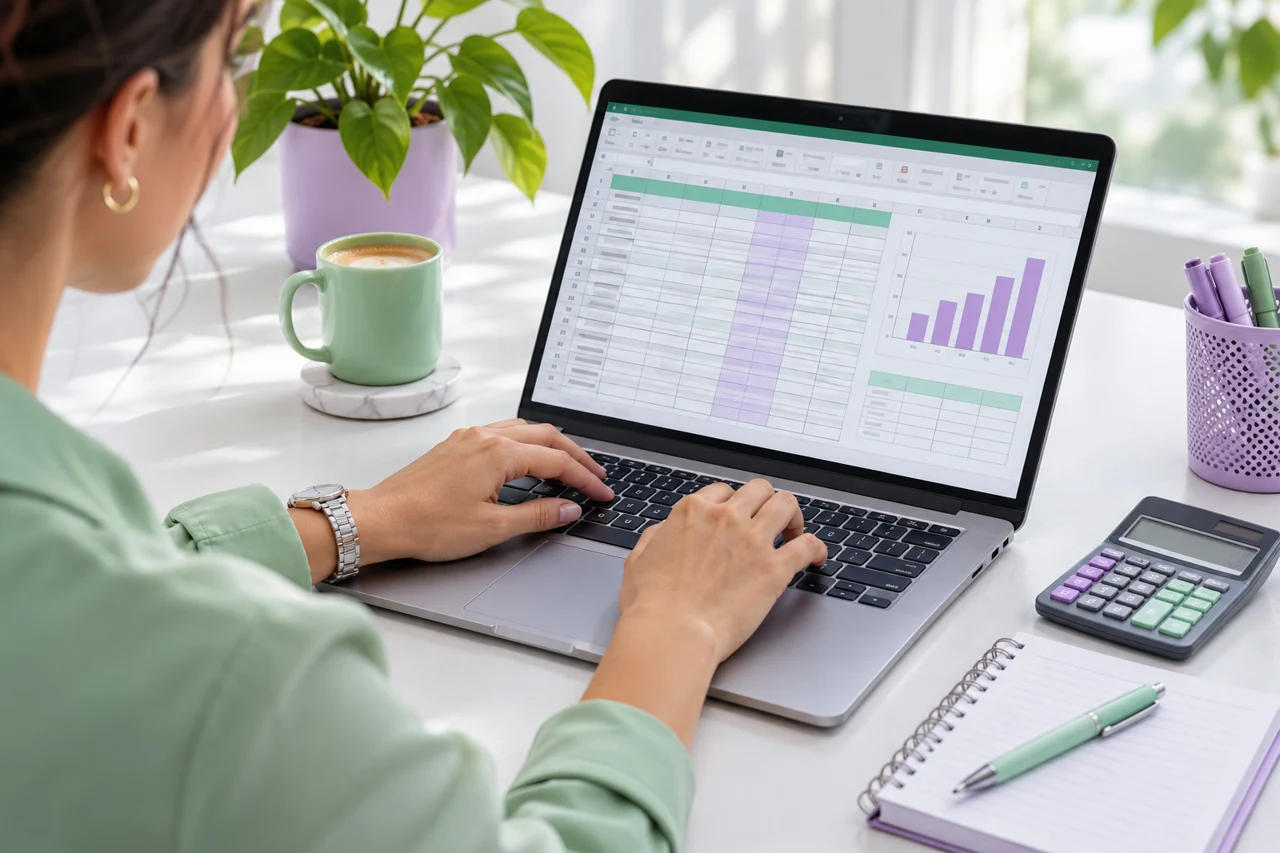
What will you develop?
Who is it for?
Office staff, coordinators and career changers
Reporting spreadsheet using practice files.
Explanations and exercises support independent practice. Final requirements, instructors and assessment will be announced before the full course starts.
Planned assessment
Knowledge test and practical task against published criteria.
Both documents are issued after full-course completion and meeting assessment requirements.
Full-course programme
01Formulas
Planned learning area: formulas. Detailed lessons, exercises and materials are being developed.
02data cleaning
Planned learning area: data cleaning. Detailed lessons, exercises and materials are being developed.
03pivot tables
Planned learning area: pivot tables. Detailed lessons, exercises and materials are being developed.
04charts
Planned learning area: charts. Detailed lessons, exercises and materials are being developed.
05error checking
Planned learning area: error checking. Detailed lessons, exercises and materials are being developed.